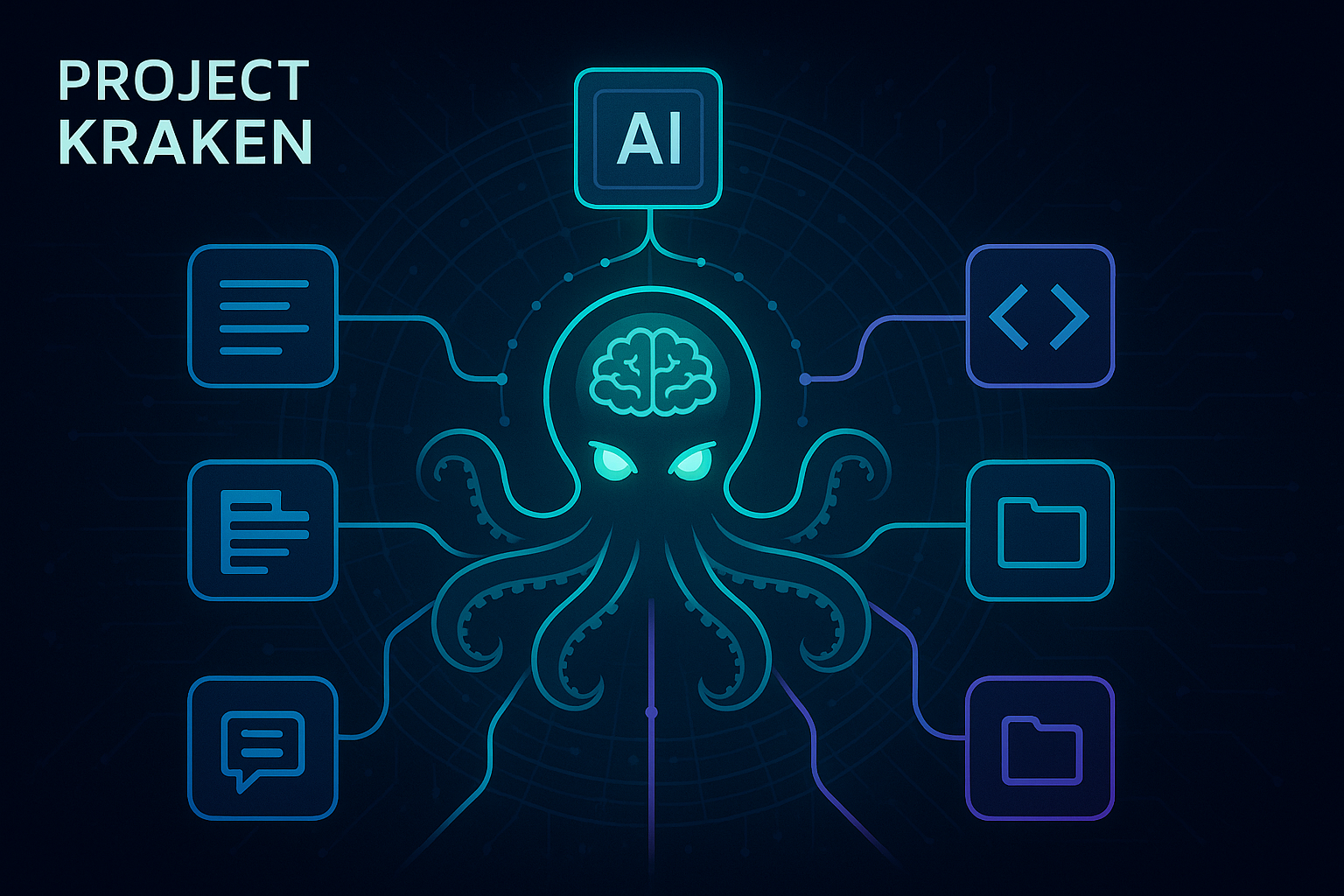
Release the Kraken
Project Kraken is a Central Knowledge Base designed to bring together multiple sources of information:
- GitHub
- Confluence
- Jira
into a single, unified platform.
With Project Kraken, you can:
- 🗂️ Access all your resources in one place
- 🤖 Choose between Agentic RAG and MCP-backed answers from the UI
- 🚀 Boost productivity and collaboration across teams
Unleash the power of seamless knowledge integration with Project Kraken! 🦑
RAG and MCP at a Glance
The chat UI lets you select the runtime mode per request:
- RAG uses the knowledge graph and retrieval tools to answer from indexed content
- MCP uses session-scoped OAuth-backed MCP tools to query external systems through GitHub and Atlassian
The RAG runtime can dynamically combine these tools to generate an intelligent response to your query:
- RAG Search Tool: semantic retrieval over chunk embeddings
- Graph Query Tool: targeted Neo4j lookup using filters extracted from user prompts
- Fetch Neighbors Tool: graph neighborhood expansion via
REFERENCESrelationships - Filter Docs Tool: post-retrieval pruning of weakly relevant documents
All RAG retrieval tools support and respect source filters passed by the API request (for example: Jira-only, GitHub-only).
Architecture Overview
graph LR
    subgraph "External Sources"
        J[📋 Jira]
        C[📄 Confluence]
        G[🔧 GitHub]
    end

    subgraph "Project Kraken"
        KB[🦑 Central Knowledge Base]
        UI[🖱️ Chat Mode Selector]
        API[🔌 Backend API]
        SMA[🧩 Session Agent Manager]
        RAG[🧠 RAG Agent]
        MCP[🧠 MCP Agent]
        OAuth[🔐 OAuth Service]
        subgraph "🛠️ Tools"
            T1[🔍 RAG Search]
            T2[🗂️ Graph Query]
            T3[🕸️ Fetch Neighbors]
            T4[🔎 Filter Docs]
            T5[🔗 MCP Toolsets]
        end
        Graph[🕸️ Knowledge Graph]
    end

    subgraph "Features"
        Search[🔍 Unified Search]
        QA[💬 Question Answering]
        Viz[📊 Graph Visualization]
    end

    J --> KB
    C --> KB
    G --> KB

    UI --> API
    API --> SMA
    SMA --> RAG
    SMA --> MCP
    MCP --> OAuth
    RAG --> T1
    RAG --> T2
    RAG --> T3
    RAG --> T4
    MCP --> T5
    T2 --> Graph
    T3 --> Graph
    KB --> Graph

    RAG --> Search
    MCP --> QA
    Graph --> Viz
How It Works
sequenceDiagram
    participant User
    participant UI as Frontend
    participant API as Backend API
    participant SMA as Session Agent Manager
    participant Agent as RAG or MCP Agent
    participant Tools as Runtime Tools
    participant Neo4j as Neo4j
    participant OAuth as OAuth Service
    participant LLM as LLM (Ollama/OpenAI/Azure OpenAI)

    User->>UI: Ask question, choose mode, select sources
    UI->>API: POST /ask { question, sources, chat_mode, mcp_auth_type }
    API->>SMA: get_or_create_agent(session_id, chat_mode, mcp_auth_type)
    SMA->>OAuth: Resolve valid provider tokens for MCP sessions
    SMA-->>API: Session-scoped agent
    API->>Agent: run(messages, documents, allowed_sources)
    alt RAG mode
        Agent->>Tools: Call rag_search_tool / graph_query_tool / fetch_neighbors_tool / filter_docs_tool
        Tools->>Neo4j: Retrieve candidate docs (source-filtered)
        Neo4j-->>Tools: Documents
        Tools-->>Agent: Expanded + filtered context
    else MCP mode
        Agent->>Tools: Call MCP toolsets for GitHub / Atlassian
        Tools-->>Agent: Retrieved external records
    end
    Agent->>LLM: Generate grounded answer
    LLM-->>Agent: Answer
    Agent-->>API: Final answer + source docs
    API-->>UI: Response + sources
    UI-->>User: Display answer & links
MCP OAuth
MCP mode is backed by backend-owned OAuth 2.1 flow handling. The browser only starts the connect flow and never stores tokens.
- The frontend sends the user to the backend connect endpoint for a provider.
- The backend discovers MCP metadata from the provider, including the protected-resource and authorization-server details.
- The backend generates PKCE state, stores the pending transaction in the session store, and redirects to the provider authorization endpoint.
- The callback exchanges the code for tokens and stores them in the backend session.
- The session agent manager resolves the correct MCP toolset for the current user on each request, refreshing tokens when needed.
Atlassian uses discovery-first OAuth with dynamic client registration when available. GitHub falls back to a preconfigured client when discovery does not provide dynamic registration support.
Service Credentials Fallback
When the UI sends mcp_auth_type: service_credentials, the session agent manager skips per-user OAuth entirely and uses static access tokens loaded from environment variables. This is useful for development, shared deployments, or providers where interactive OAuth is not yet set up.
| Provider | Environment variables (first match wins) |
|---|---|
| GitHub | GITHUB_SERVICE_ACCESS_TOKEN, GITHUB_ACCESS_TOKEN, MCP_GITHUB_ACCESS_TOKEN |
| Atlassian | ATLASSIAN_SERVICE_ACCESS_TOKEN, ATLASSIAN_ACCESS_TOKEN, MCP_ATLASSIAN_ACCESS_TOKEN |
A GitHub OAuth app client can also be pre-registered via GITHUB_OAUTH_CLIENT_ID + GITHUB_OAUTH_CLIENT_SECRET (aliases: GITHUB_APP_CLIENT_ID / GITHUB_APP_CLIENT_SECRET) to enable the Authorization Code + PKCE flow without dynamic client registration.
Configuration
Project Kraken currently supports ollama, OpenAI and Azure OpenAI as your GenAI provider.
For MCP mode, OAuth is handled entirely by the backend through session-scoped discovery, PKCE, token exchange, and provider-specific tool construction.
Configuration is centralized through:
load_env_config()for environment parsingAppContainerfor dependency wiring and runtime component creation- provider utility factories for chat generator and embedders
See: .env.example and ARCHITECTURE.md.
Chat History & Session Management
Project Kraken implements intelligent chat history management to provide a seamless conversational experience across page reloads and sessions.
Key Features
Session Tracking:
- Automatic session ID generation and cookie-based persistence
- 30-day session lifetime
- HTTP-only cookies for security
Conversational Context:
- Follow-up questions automatically rewritten using chat history
- Last 4 messages used as context for query understanding
- Seamless multi-turn conversations
History Restoration:
- Complete chat history restored on page reload
- All messages, responses, and source references preserved
- Instant access to previous conversations